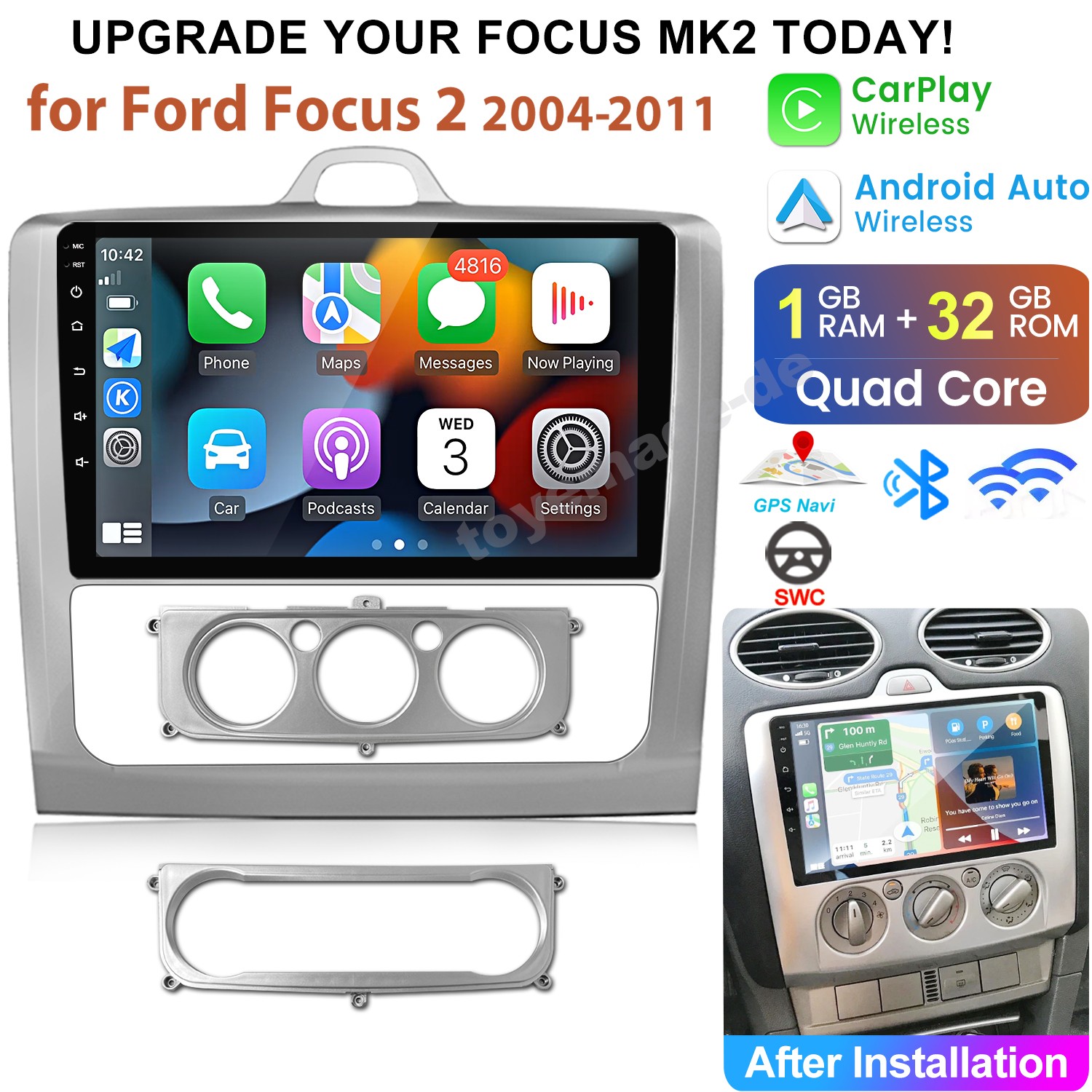
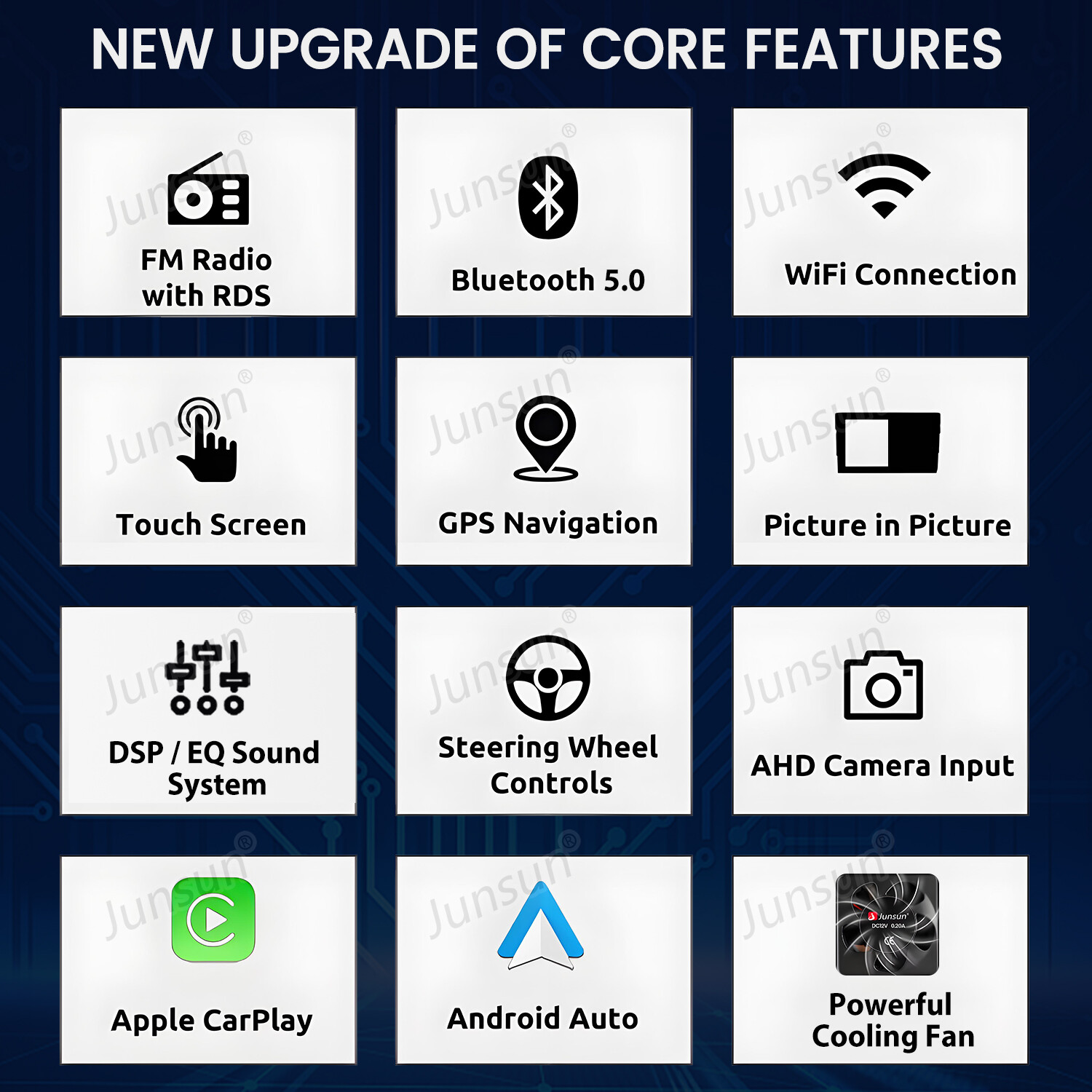
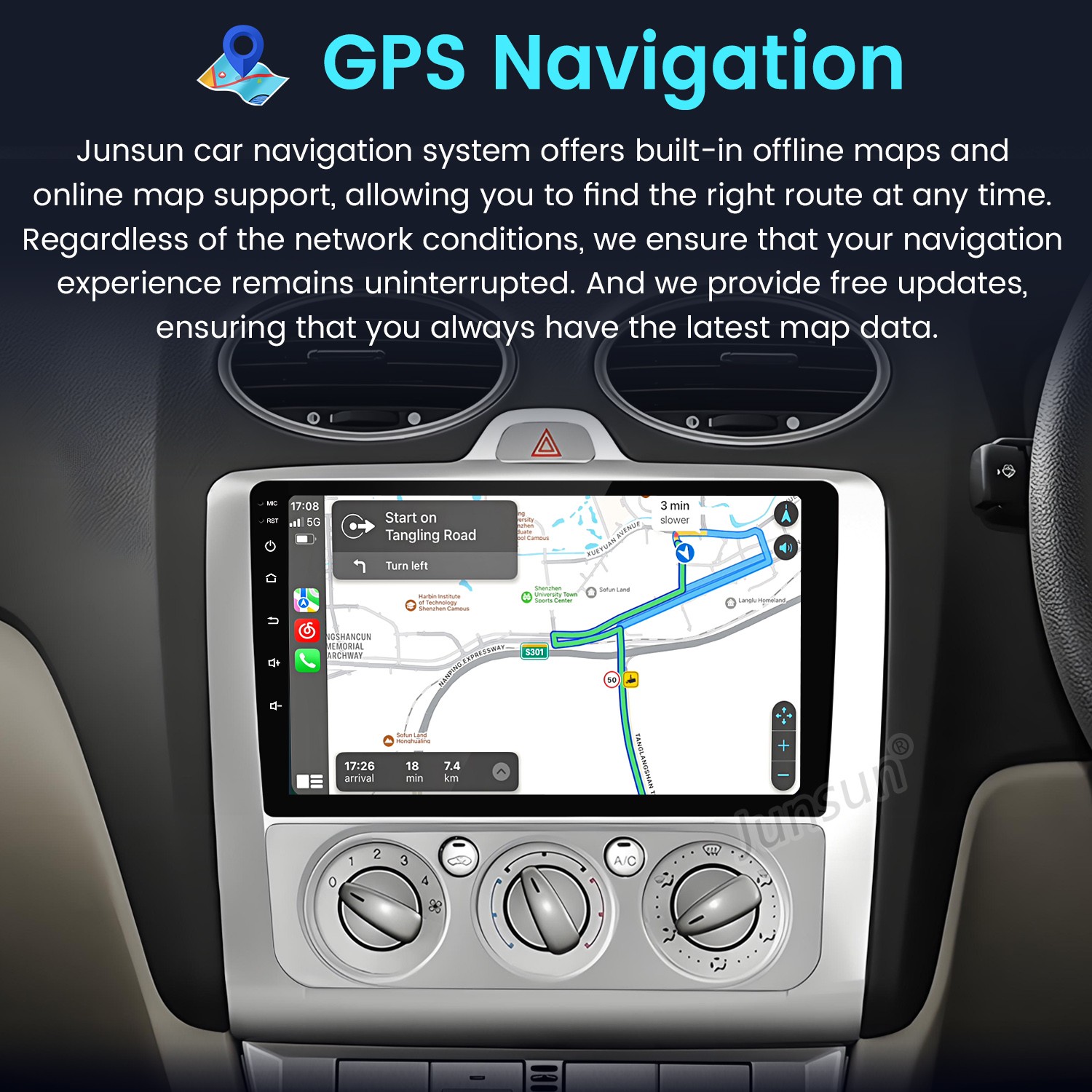
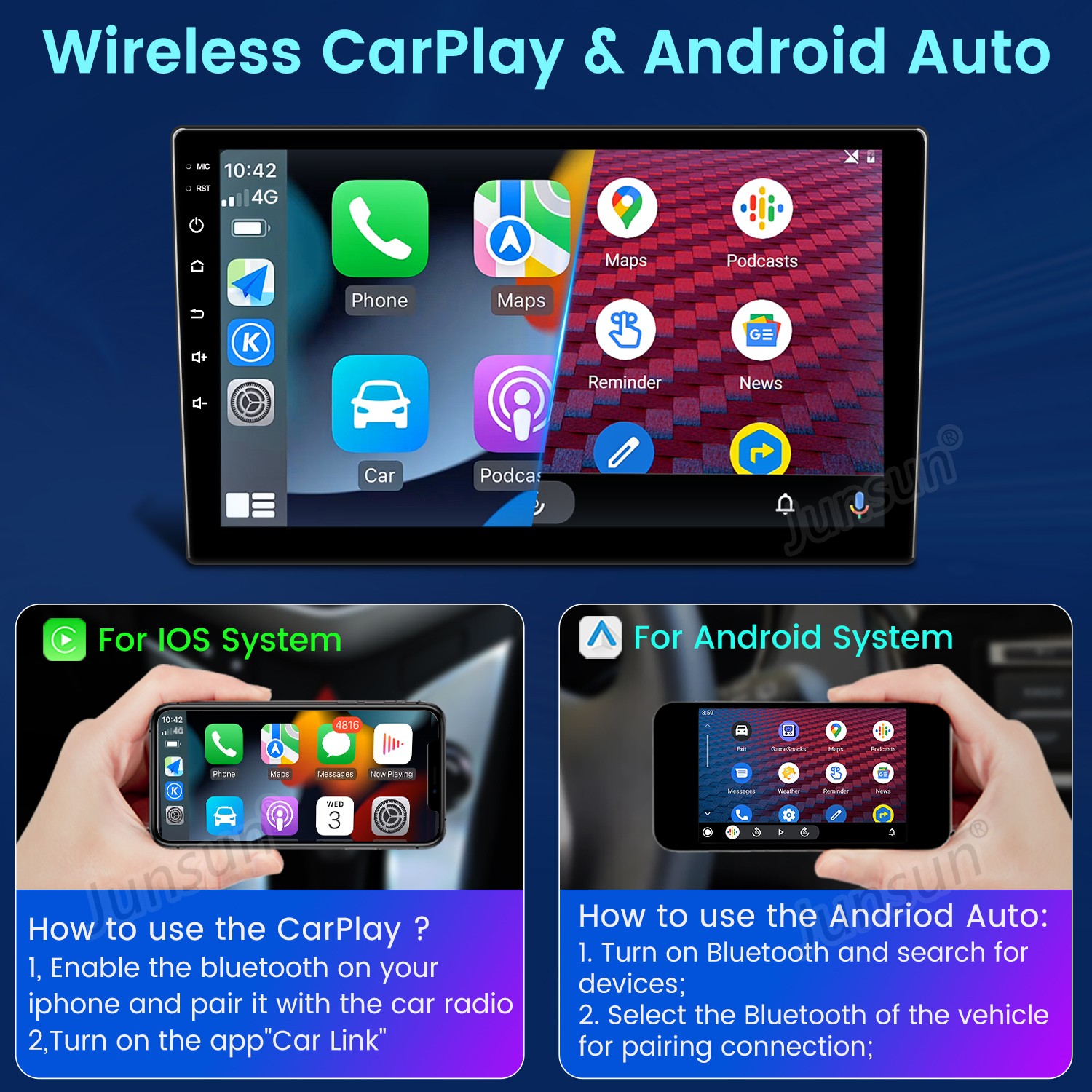
For Ford Focus MK2 2004-2011 Android Car Stereo Radio GPS Navi Head Unit CarPlay

By Junsun


£144.99


Transparent Disclosure: Our Commitment to Honesty

In alignment with our commitment to transparency and integrity, we want to clearly disclose that product prices and descriptions may vary on the websites of our retail partners.

We encourage you to visit the retailer's site directly for the most current images, products, prices, and descriptions.

It's important to us that you're informed Zeppy may receive compensation for some listings featured on our site.

Additionally, we want to be upfront about our use of affiliate links; our affiliations, including but not limited to the eBay Partner Network, support our mission to provide valuable content and offerings to you.

> View the origional listing on eBay


There are more version for you to choose,you can contact us via eBay message if you are interested in that.

Frequently Aksed Questions


01. Is this Plug and Play?

Yes,it is plug and play,you only need to use our power cable plug

into your original socket of radio.

attention: Maybe some vehicle does not fit our power cable,

please contact us via eBay message,we will resolve your problem.


02. Is this radio compatible with my vehicle?

Please leave us message (the brand,mode and year of your car)

via eBay,and a whole photo of your centre control console.We will

confirm for you and reply to you within 24 hours.


03. Does it come with Canbus ?

Whether Canbus is included depends on your car,you can leave

us message via eBay,we will confirm for you and reply to you

within 24 hours.


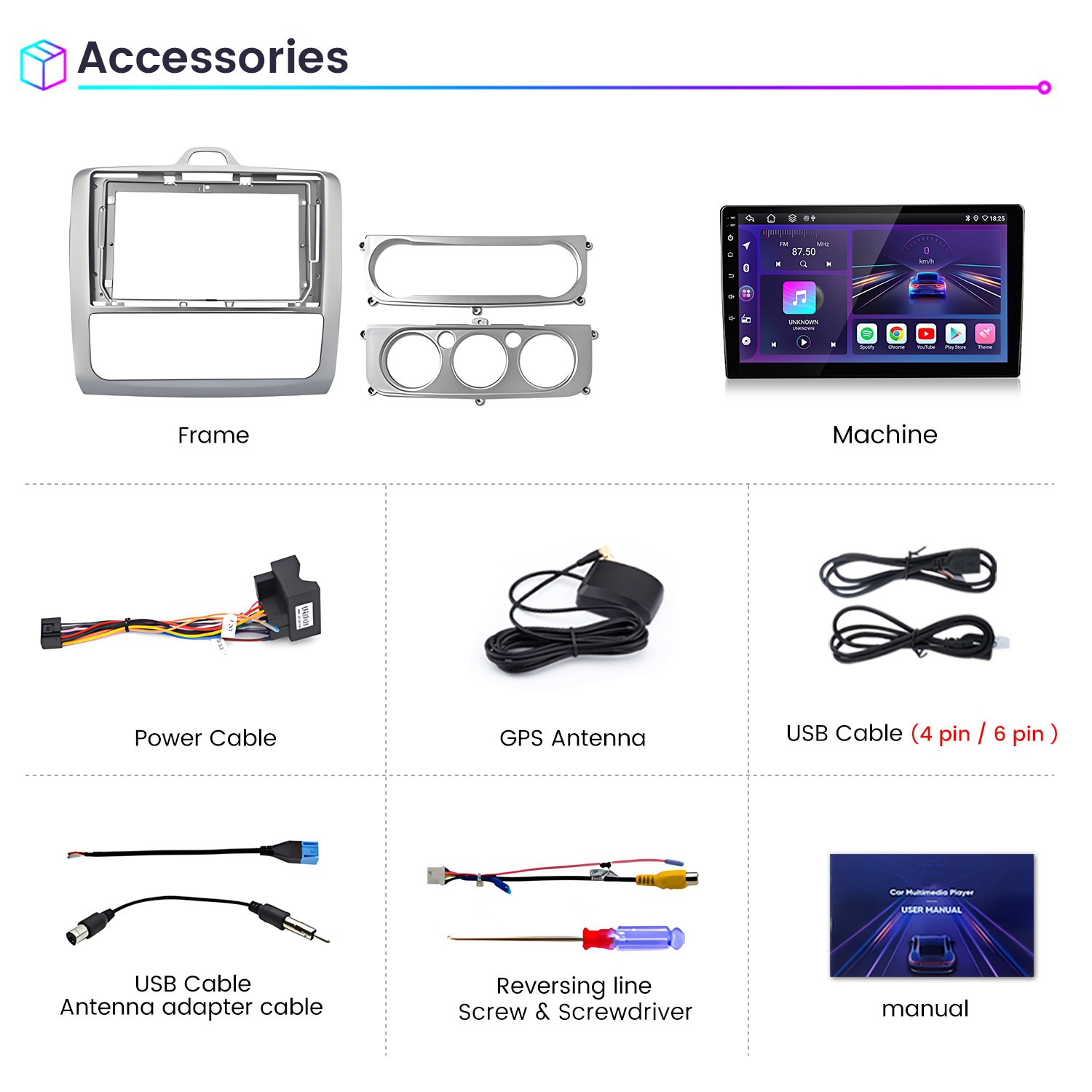
04. Are all the harness and accessories which are needed when installing included ?

Yes,all the harness and accessories which are needed when

installing are included,but not all harness are required, and

some may be unnecessary, it depends on your car.


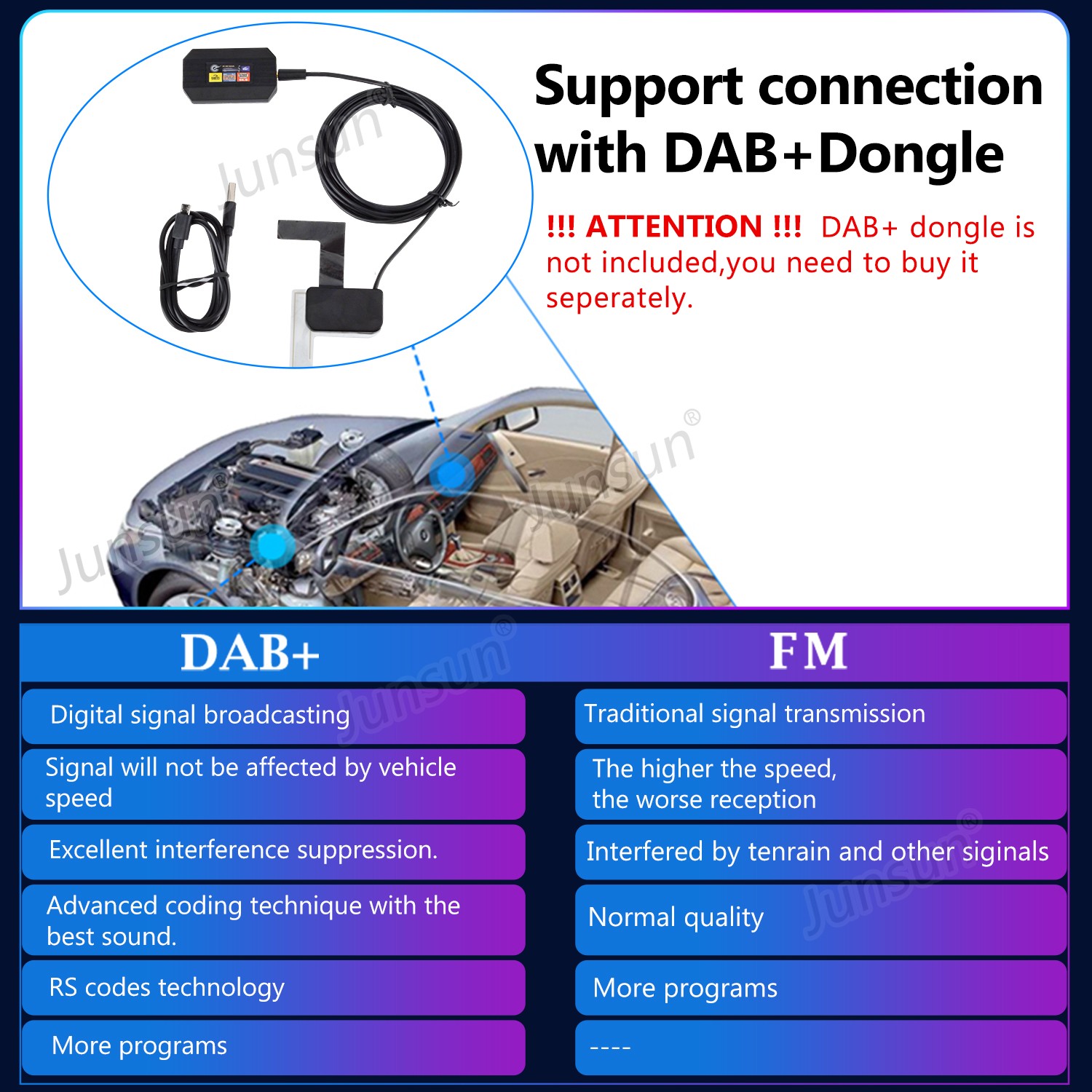
05. Where can I get the DAB+ dongle and rearview camera ?

You can leave us message to tell us you need DAB+ dongle and

rearview camera via eBay,we will send you link to buy.


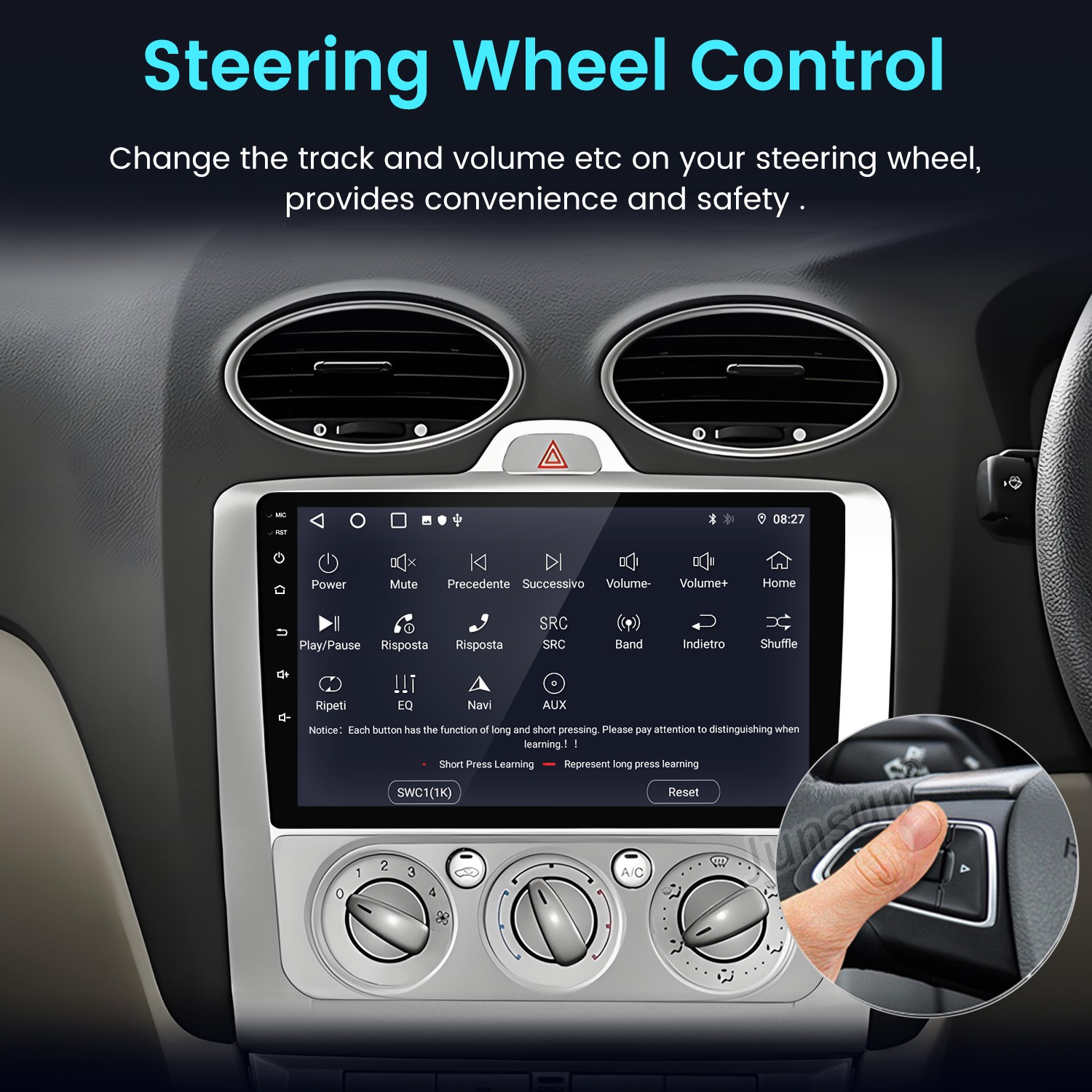
06. How to set up the steering wheel controls

1G+32G/2G+64G WIFI version

Setting--car infotainment--SWC--click clearall first ---then click

the icons,When it flashes, press the button on the steering wheel

to match the icon. After learning successful, it will change color.


4G version.

Setting-general--steering wheel setting

Please press the button on the steering wheel, and at the same

time click the button on the screen to match, it will change color

after matching.

Note: If your order comes with canbus ,please go to set up the

canbus type ,then the button can work,please contact our

customer service for help.


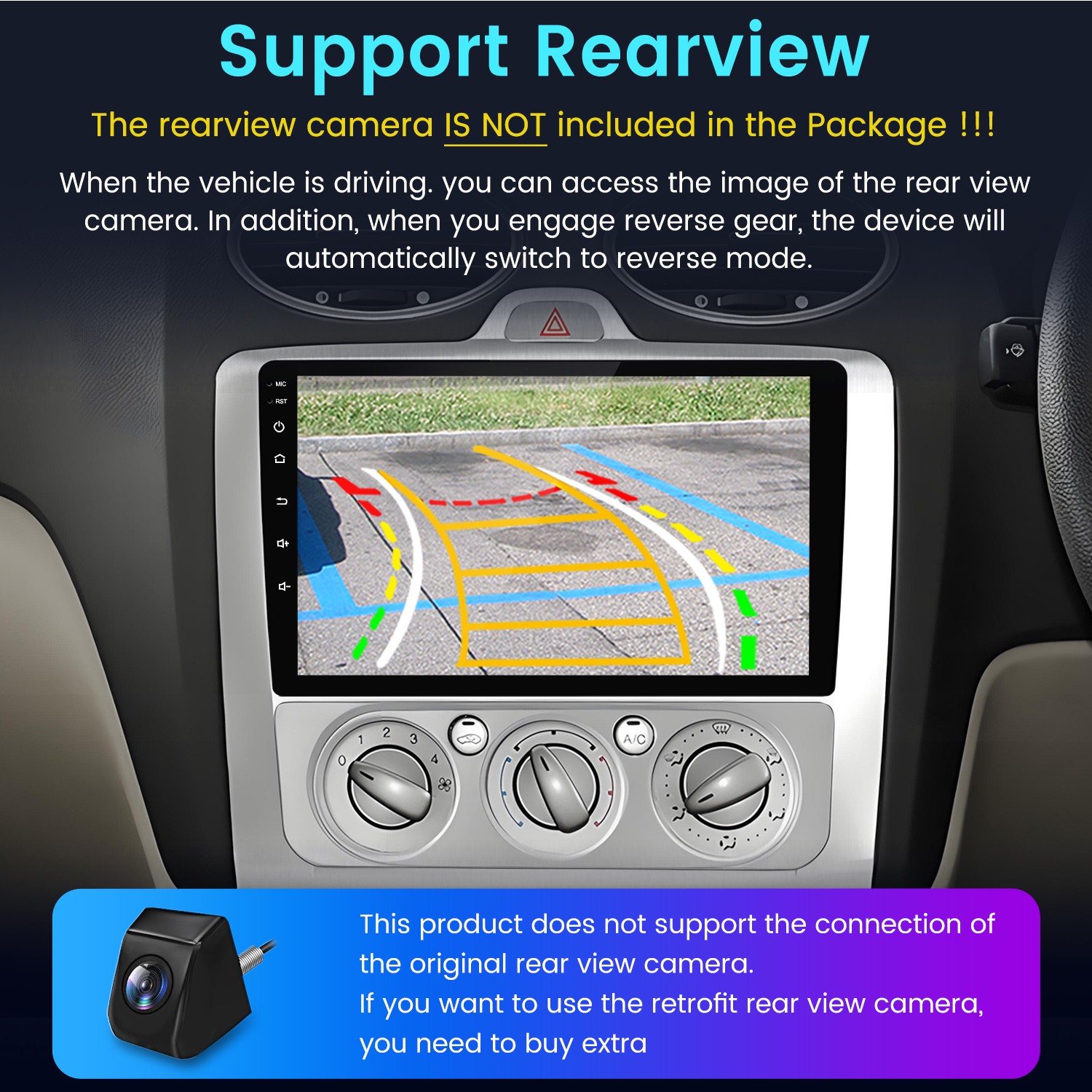
07. Does it support original rearview camera?

Please leave message via eBay,We will confirm for you and reply

to you within 24 hours.


08. How to connect the rearview camera ?

1). Red cable ② is connected to the backup light "+"

2). Black cable ① is connected to the backup light "-"

3).The reversing detection cable ④(Brown color)is connected to

the red cable ③ which extending from the video input cable


> See on eBay Delivery Details for This Product

Add Review

 Rating  
Submit Review

Keep Browsing

Related Products

Wait a moment... we're getting more products!